Logistics Price - Configure Customer Price
- Open
GWMS > Logistics Management > Logistics Billing Management. Search by customer if needed, then click the carrier configuration entry in the Actions column, such as Configure FedEx, to open the customer price configuration page. Other carriers follow the same process.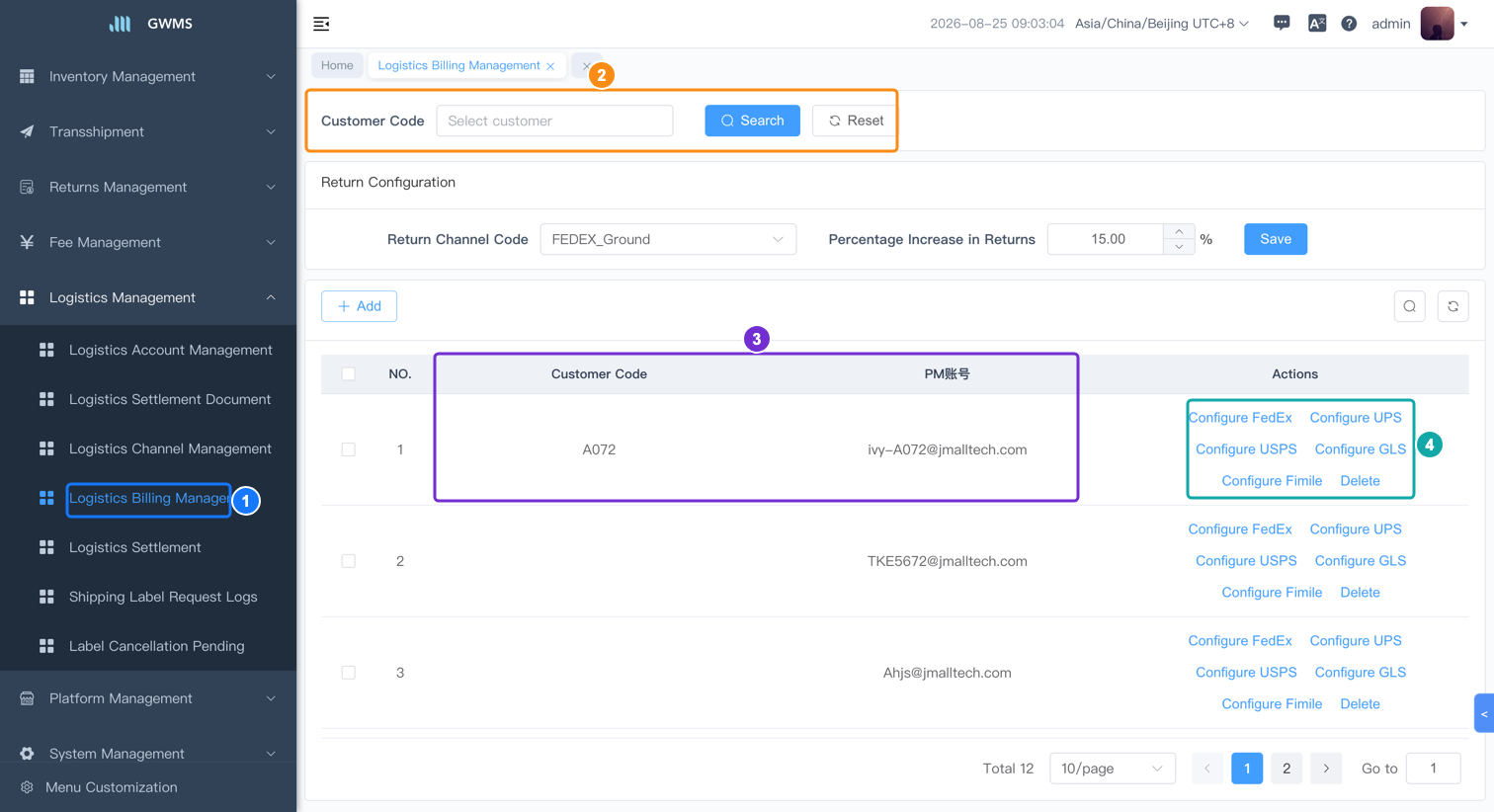

Legend: 1. Logistics Billing Management menu entry; 2. customer search area; 3. customer and PM account row; 4. carrier configuration entries.
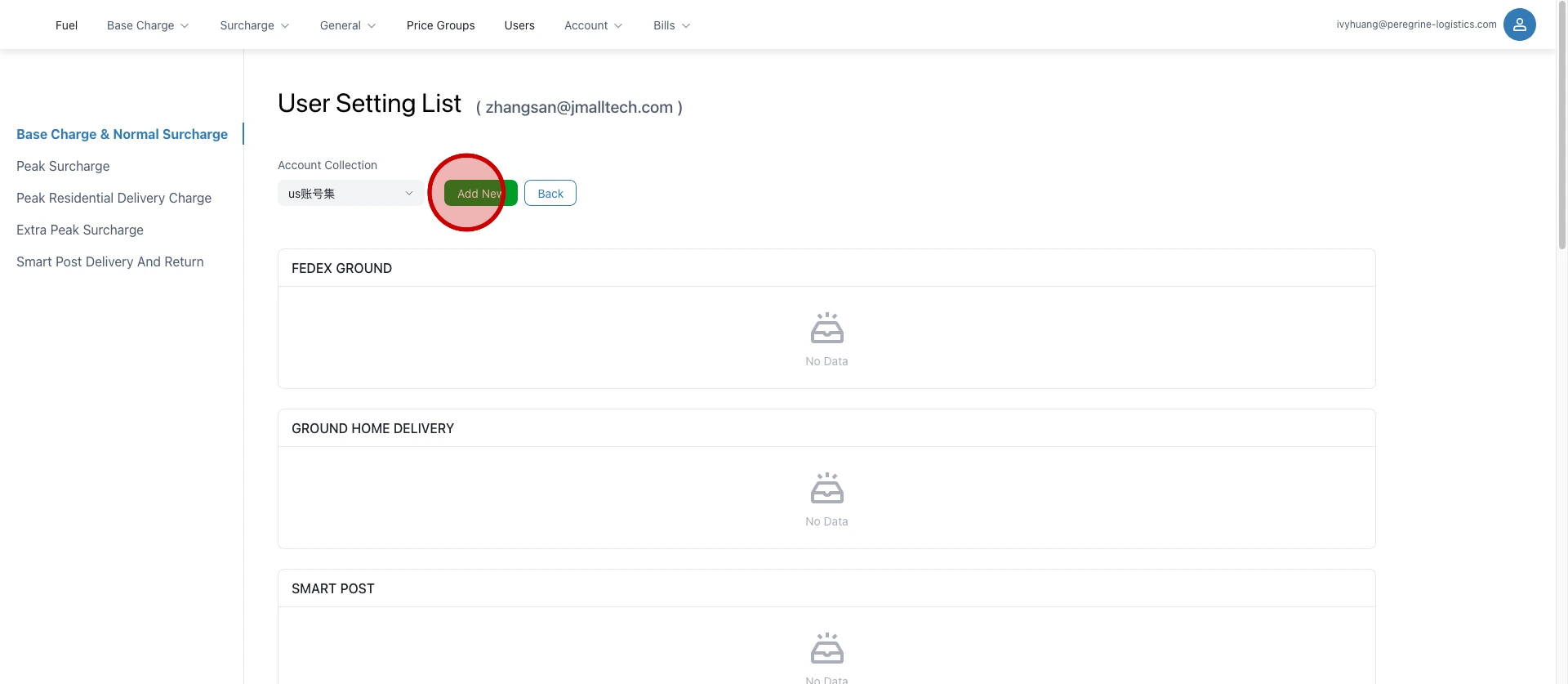
Click "Add New".
Select the price template by entering the template prefix.
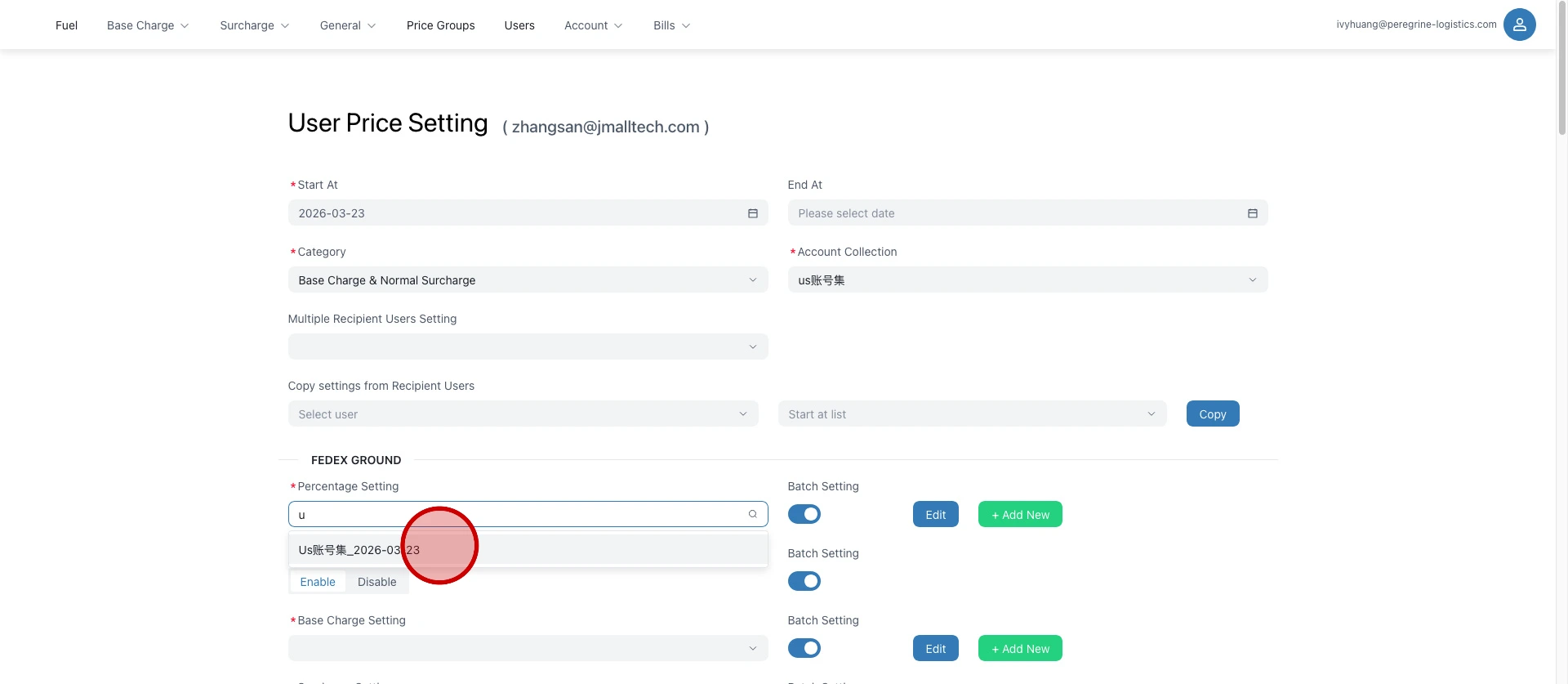
Fill in baseCharge (base price) and surcharge (additional fee) in order.
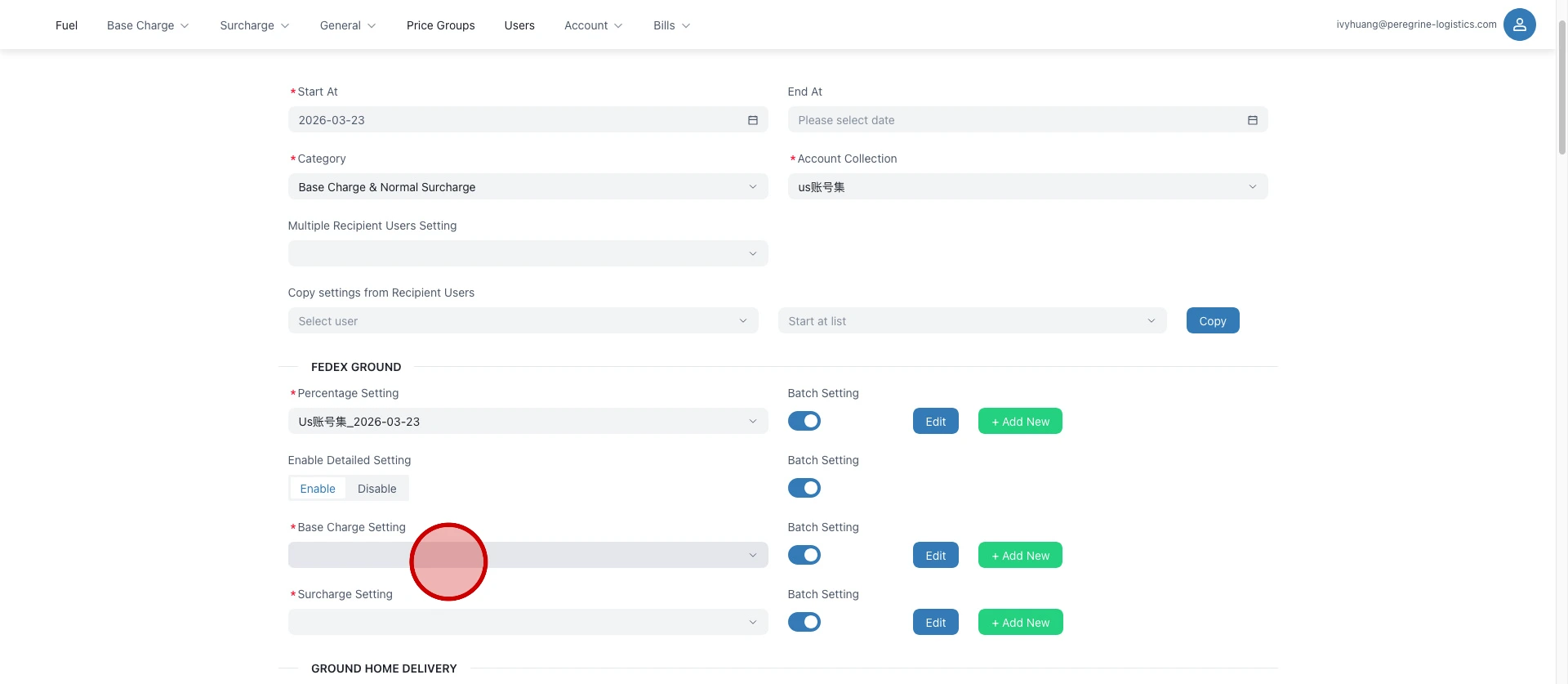
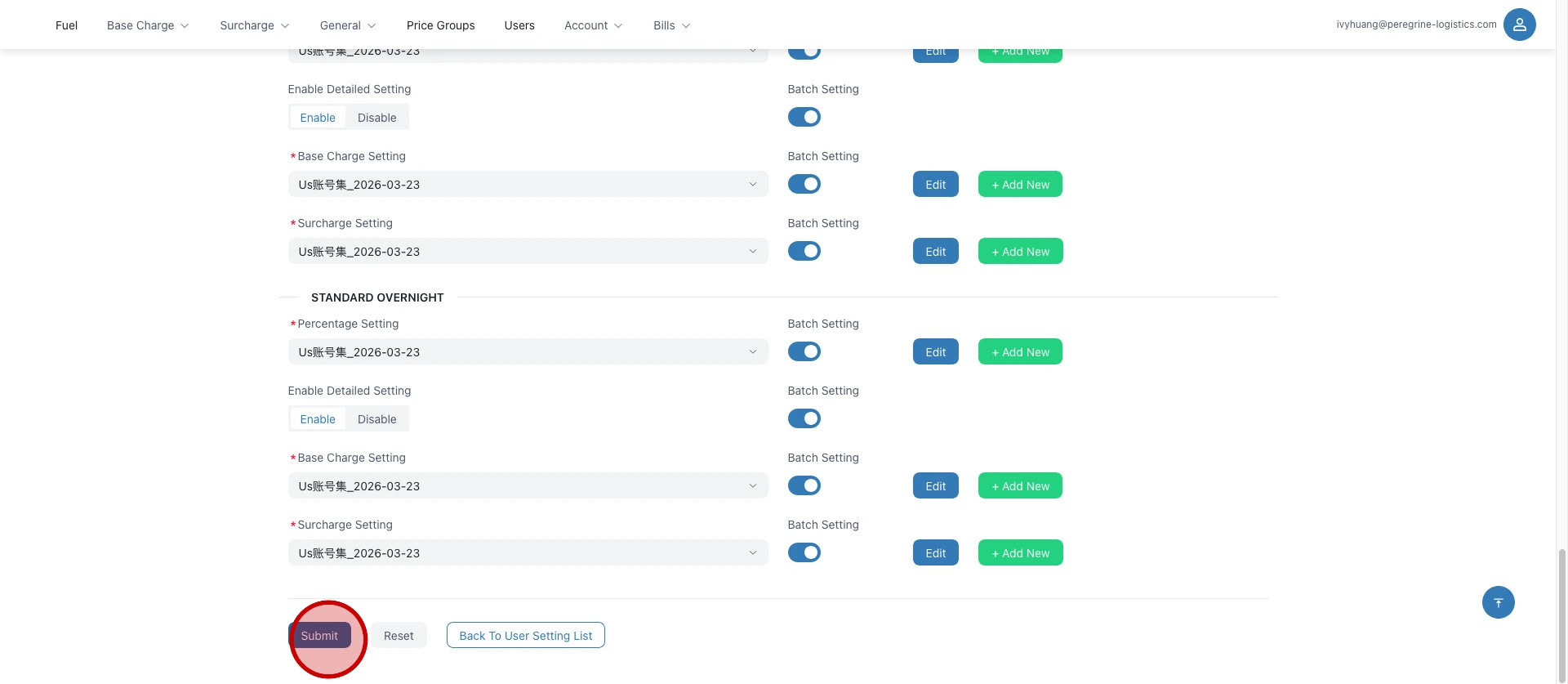
Click "Submit".