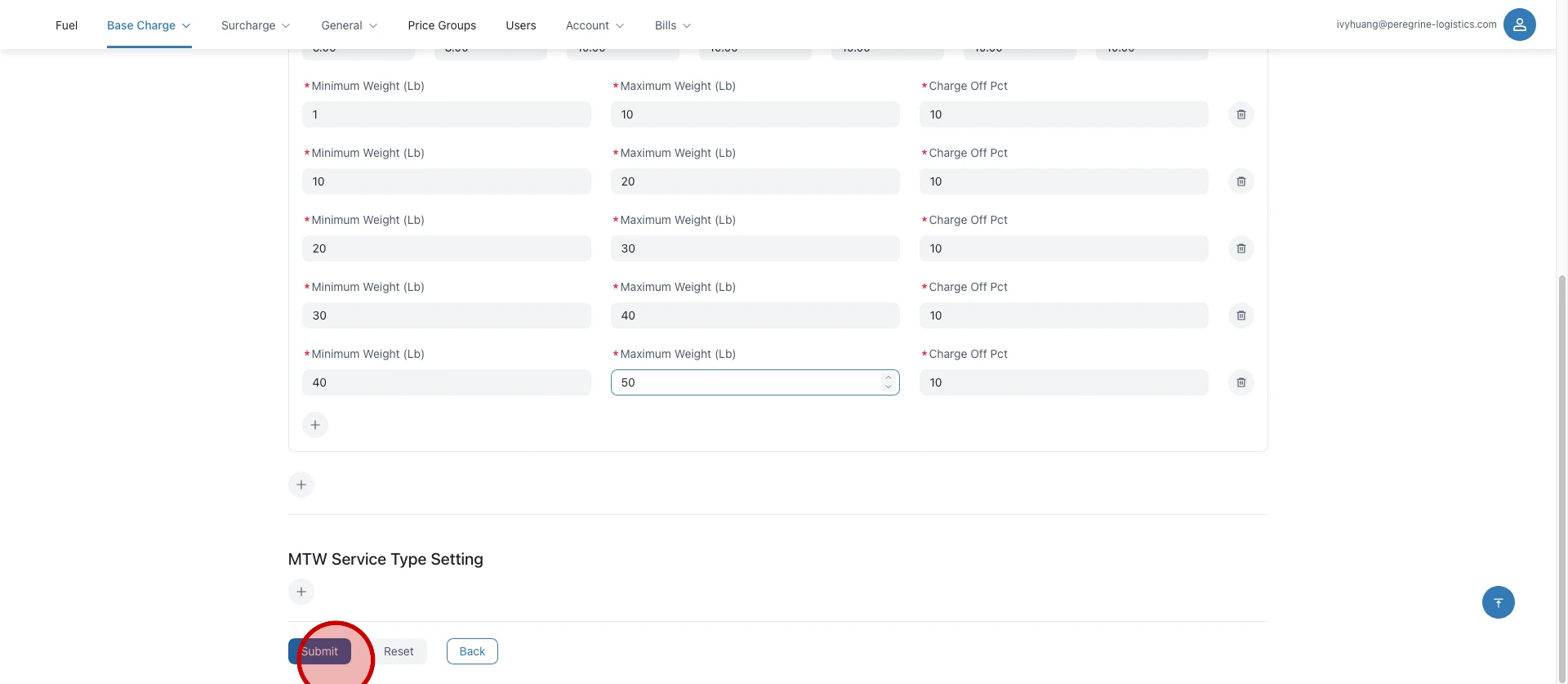
Configure Logistics Cost Price
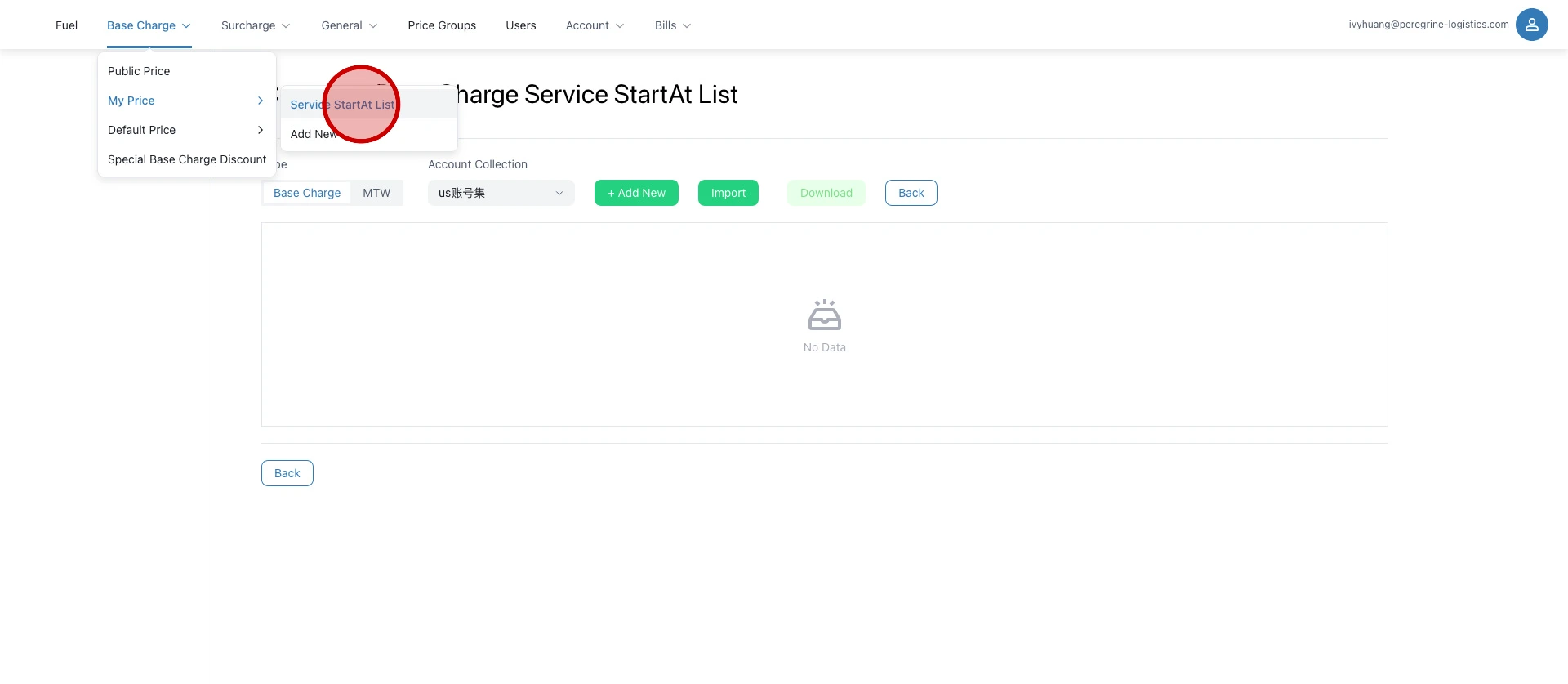
Click "Service StartAt List".
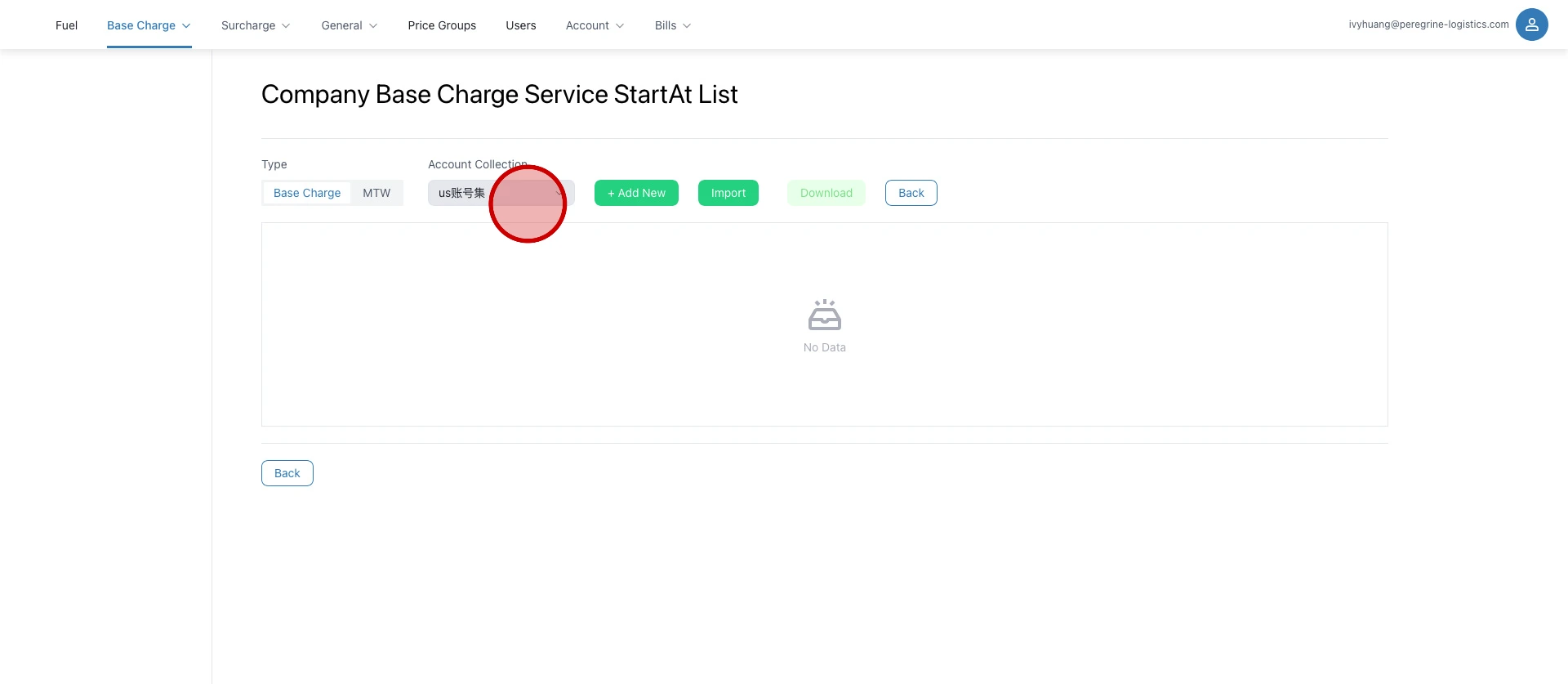
Select an account collection.
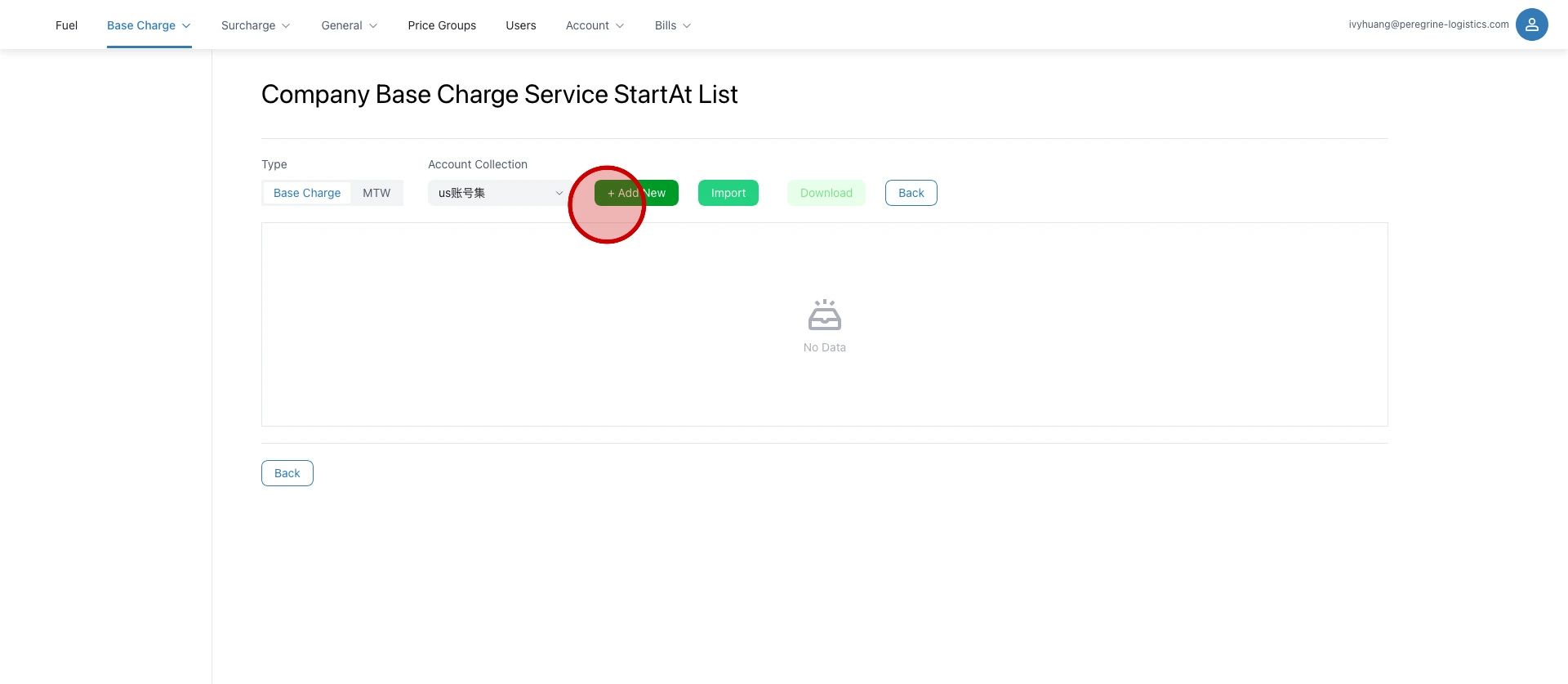
Click "+ Add New".
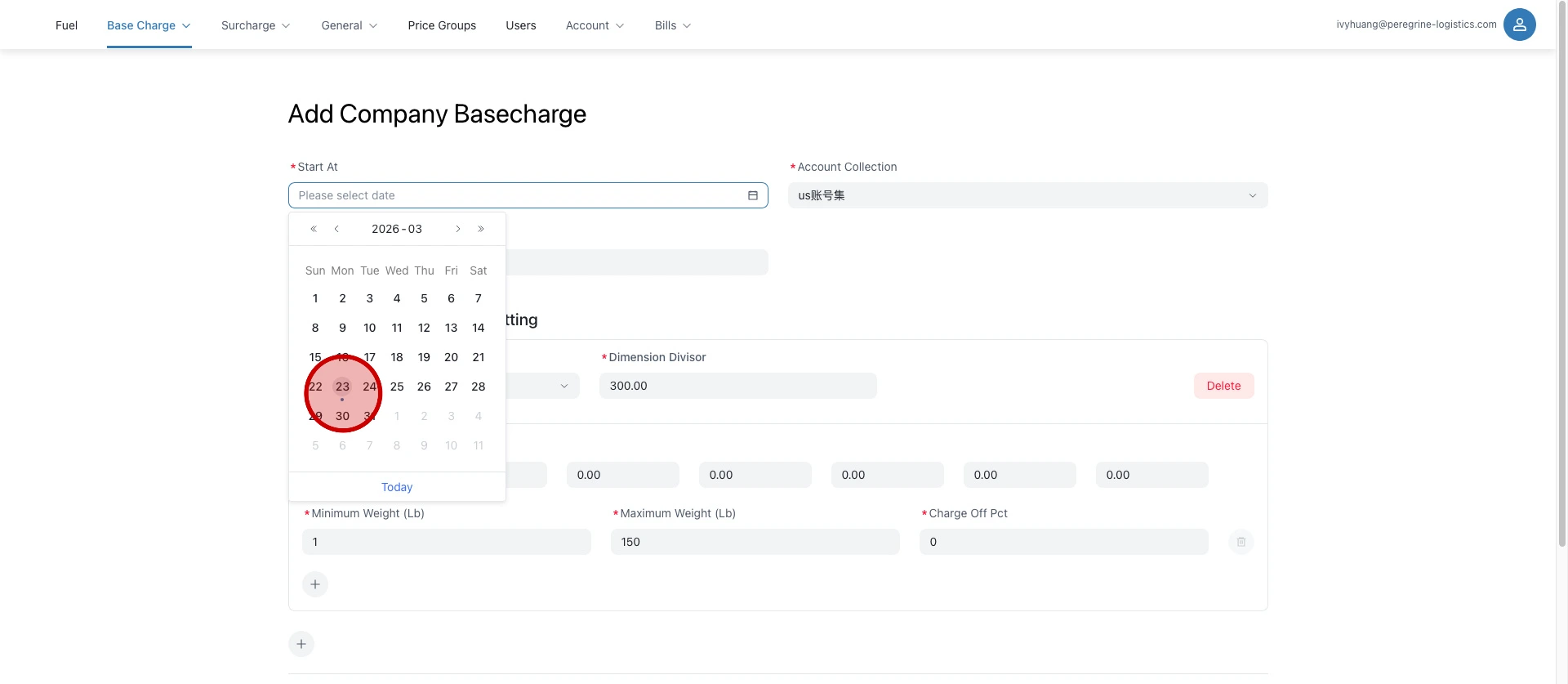
Select the effective date.
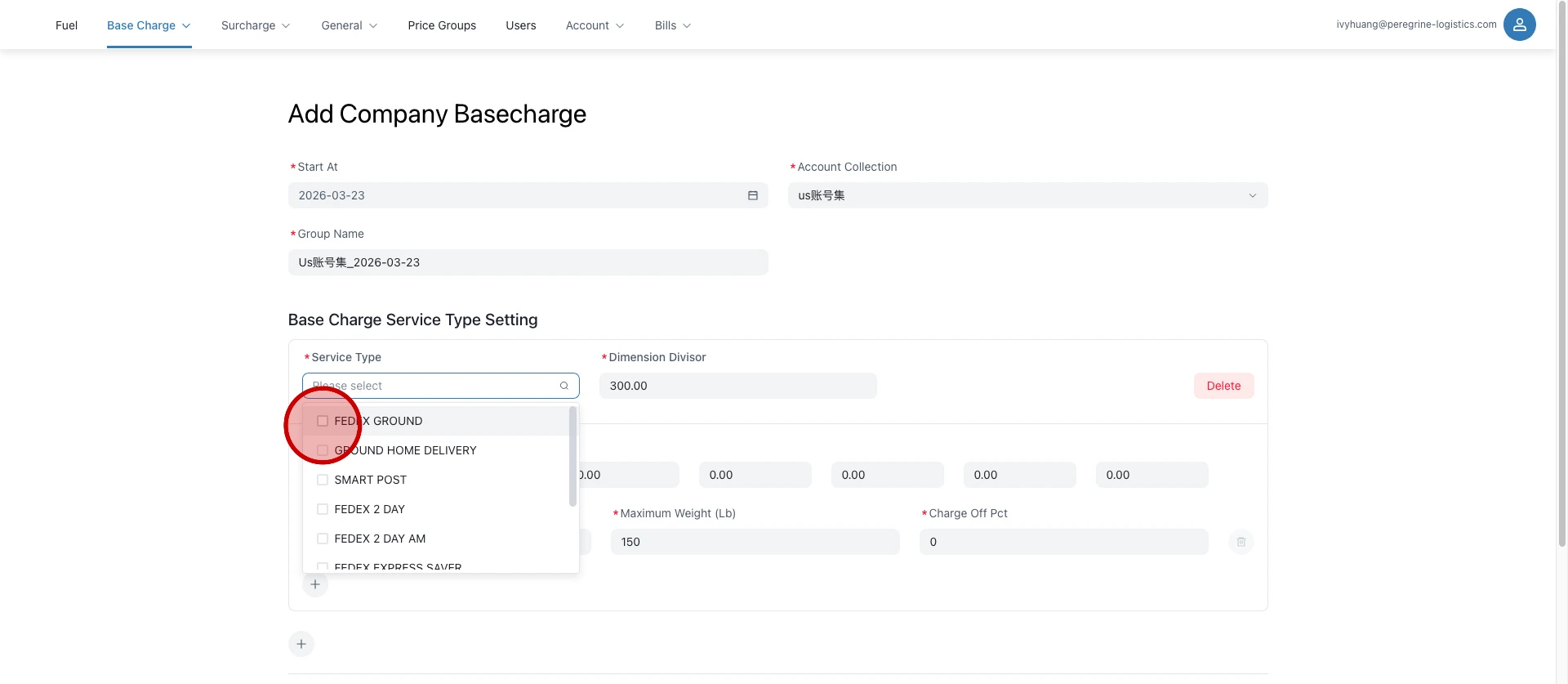
Select the logistics service.
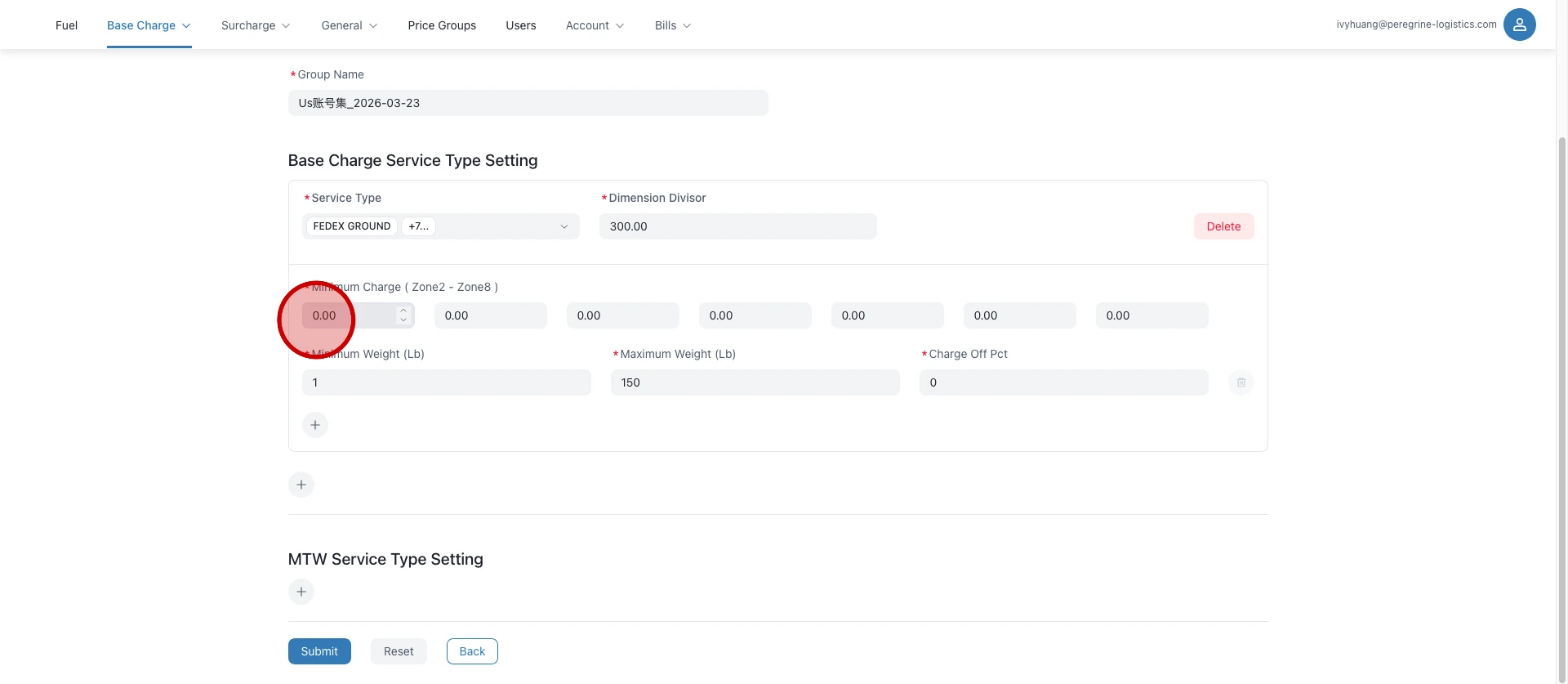
Enter the zone prices.
Weight ranges can be added in batches for price configuration.
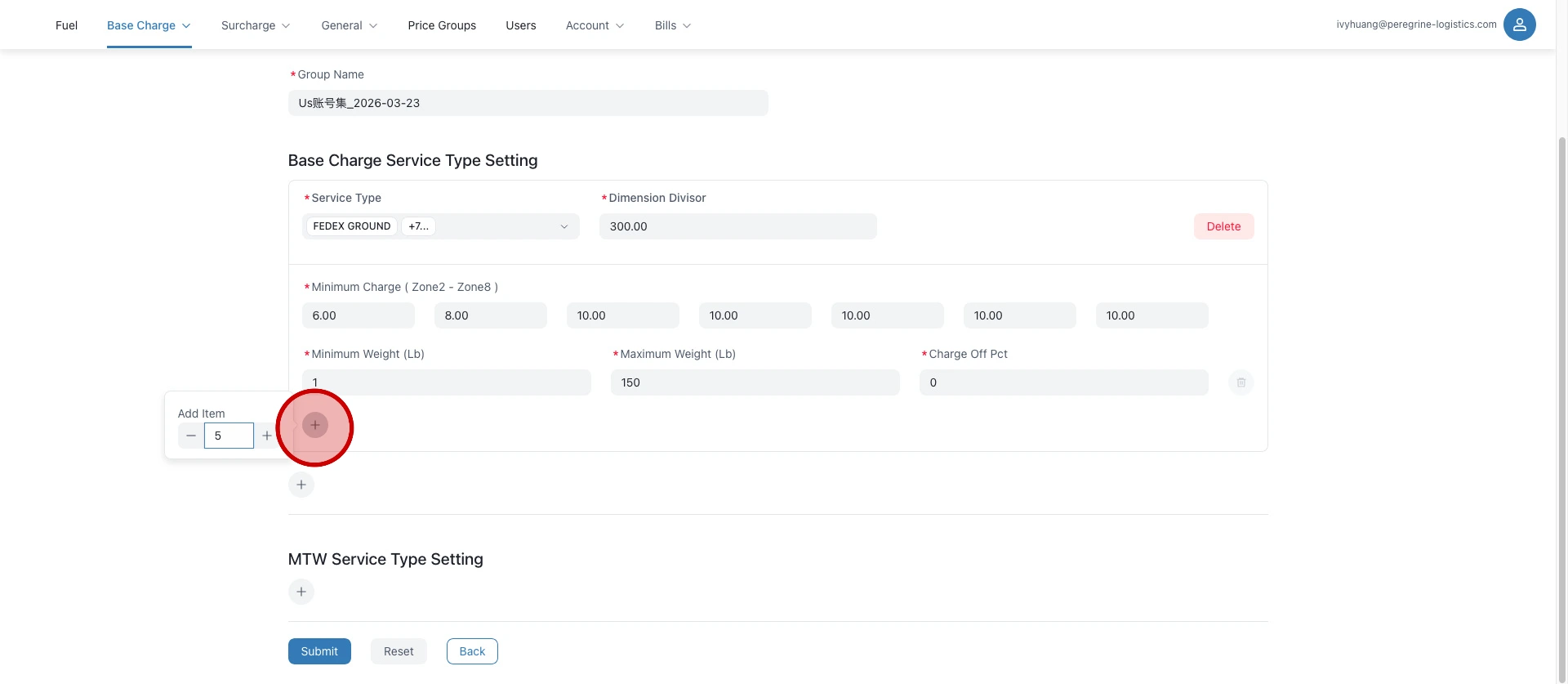
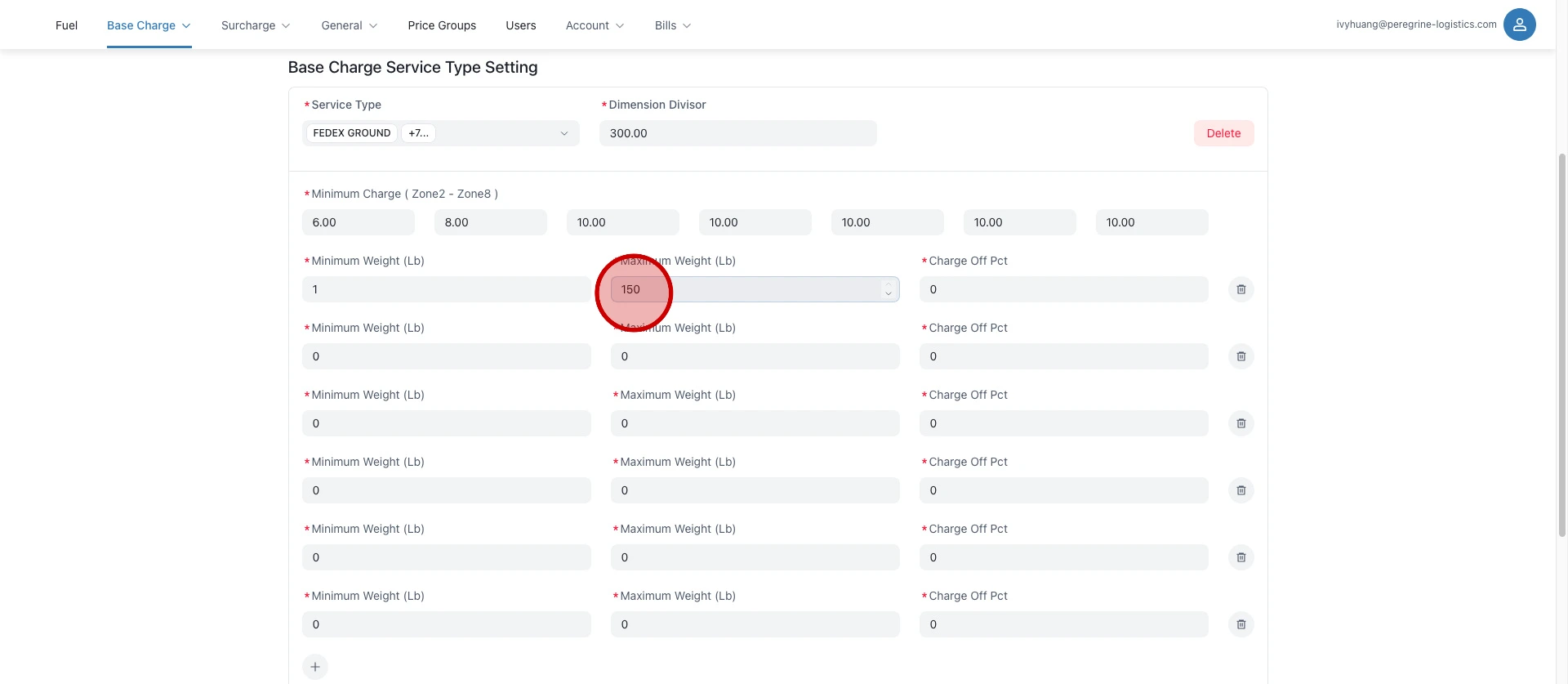
Configure the weight ranges.
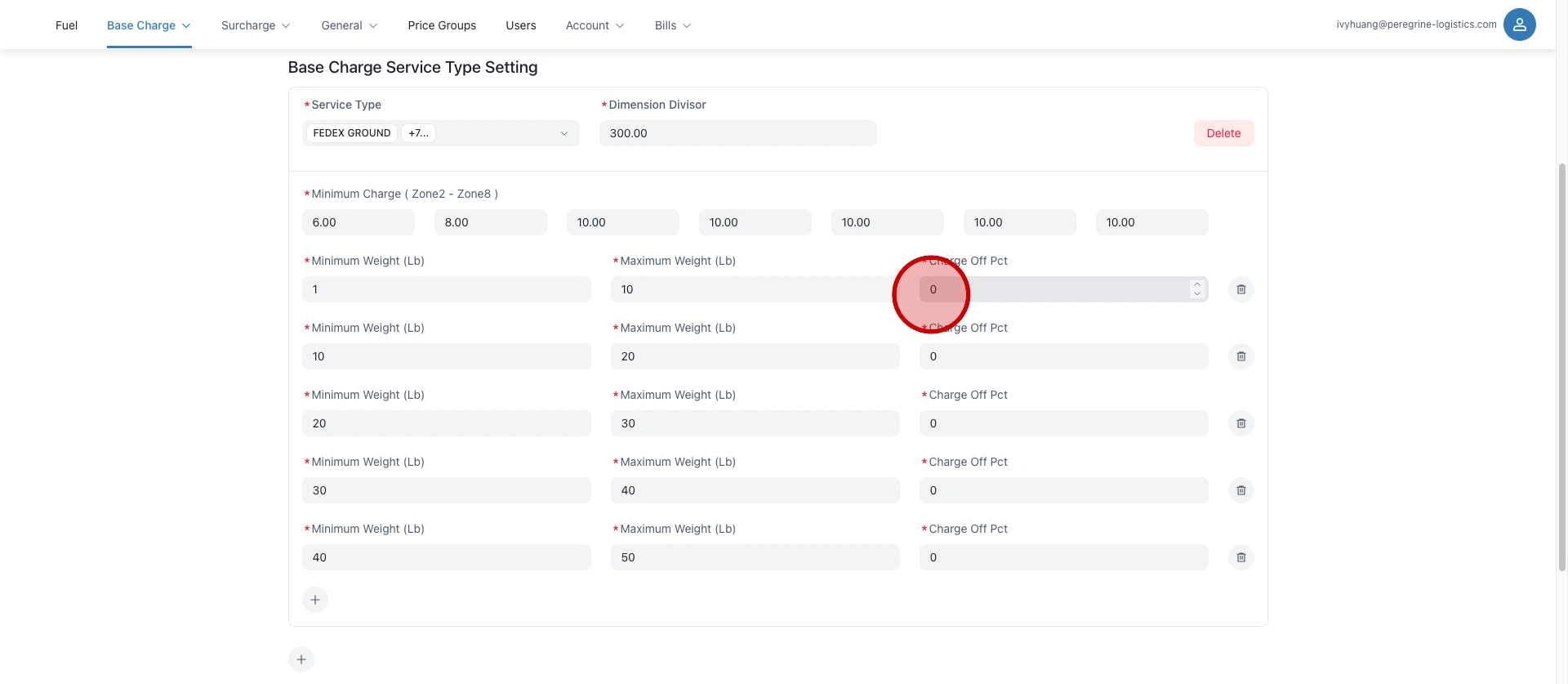
Configure the discount.
Click "Submit".